
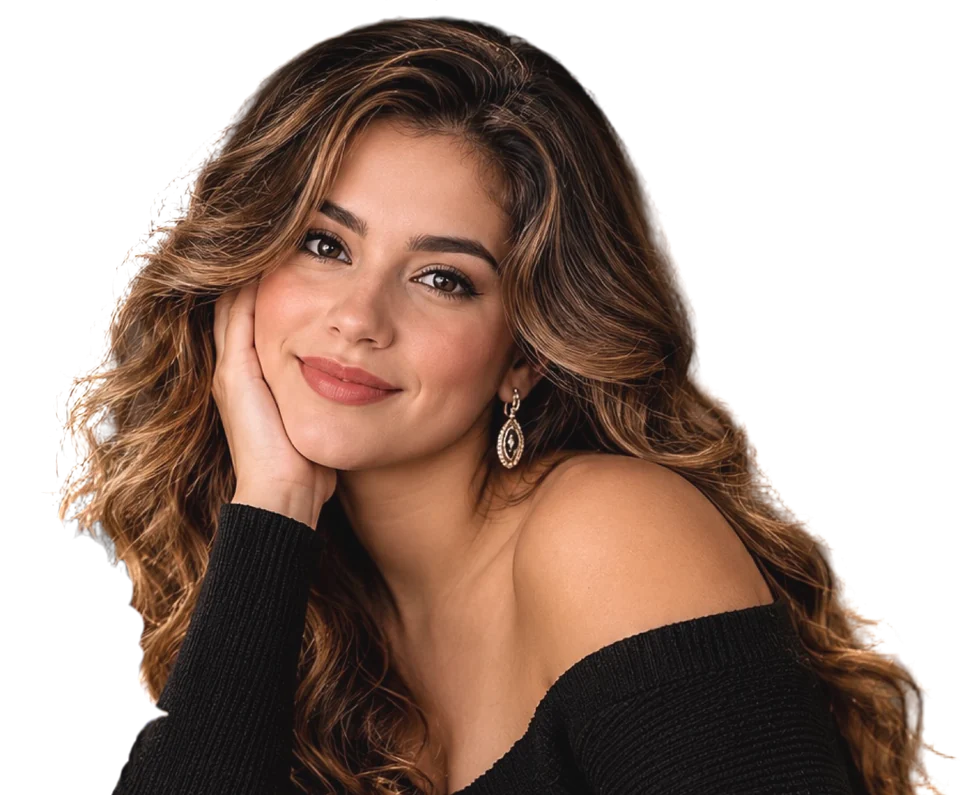


Uses a heavily blurred version of the original photo as a portrait-style bokeh backdrop.
Generates an empty photoreal scene (Grok Imagine when configured, otherwise the free Pollinations API), then places you on top so your face stays exactly as photographed. If generation fails, a studio backdrop is used instead.
Your photo is used only for this one generation and isn't saved by the studio. It's sent to the AI image service to create your scene.
The more detail in your reference photo, the closer the match.
JPEG, PNG, WebP or iPhone HEIC, up to 10 MB. The new background copies the reference's look, mood and lighting — not the exact image — and any people in it won't be copied. The scene prompt above is optional when you use a reference.
Your composited portrait will appear here.
Save this portrait for 60 days — create your free Crafty6 account
Keep it in My photos for 60 days. If you skip this, the re-download link above still works for 7 days.
Save this portrait for 60 days
You're signed in. Save this photo to your Crafty6 account to keep it in My photos for 60 days.
Saved to your Crafty6 account
This portrait will stay in My photos for 60 days from the day you paid.
This portrait will be erased automatically after you download it.